There are 2 possible reasons for this:
1. There are still some timeslots in the app that need to be filled. To complete the LifeMap, you must fill every available timeslot. Please scroll through your LifeMap to ensure that all your timeslots are highlighted in green. Once complete, you'll then be ready to start your online modules.
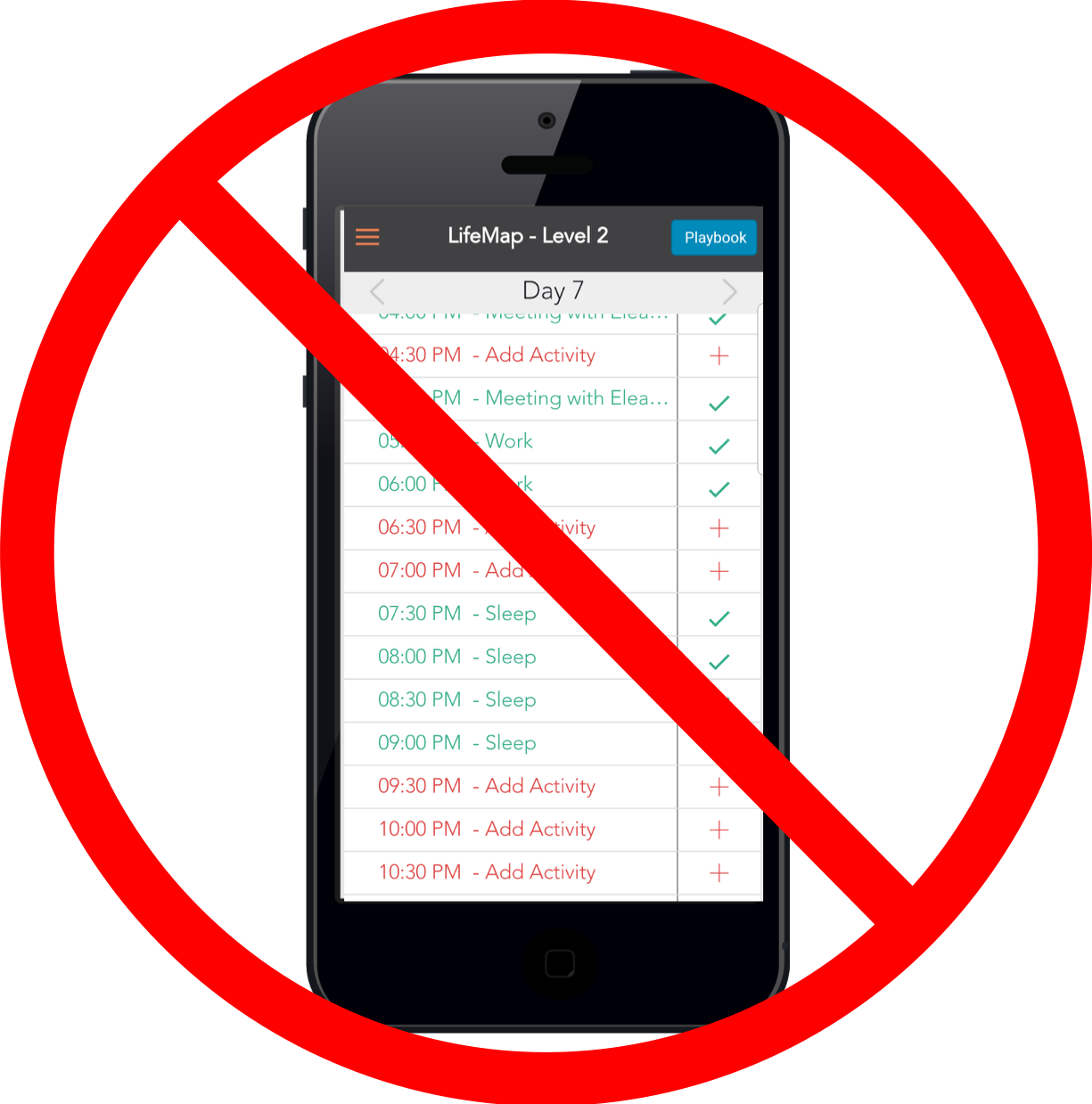
2. If all timeslots in the app are filled but you are still unable to proceed, it may be that your data has not synced with our system.
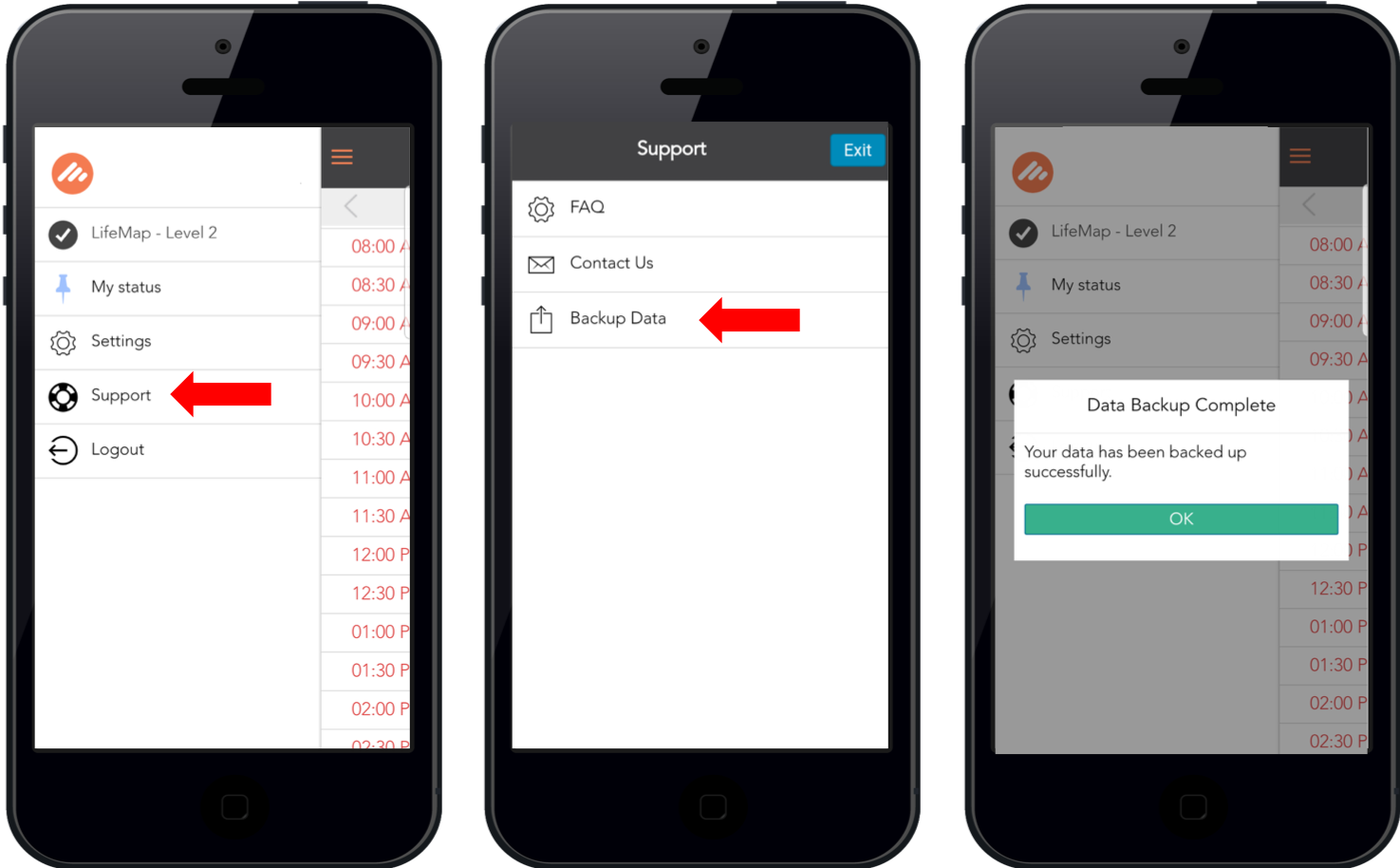
- Log-in to your Potentialife app using your email address and password
- Tap the hamburger menu at the top left corner
- Tap ‘Support’
- Tap ‘Backup Data’
- A pop-up should appear on the screen to say ‘Data Backup Complete’
- Log-in on potentialife.com/login to start your online modules!